Focus
How to Stop Planning and Start Doing
In this article
- Recognize when planning has stopped helping
- Find the problem the system change is trying to solve
- Distinguish planning from preparation and production
- Set an exit condition for planning
- Produce something before improving the system
- A worked example: the proposal that keeps changing apps
- Give research a question and a stopping rule
- Keep system ideas in a parking place
- Use a start cue that doesn't require another planning session
- Reduce the number of places you need to check
- Don't turn focus into another setup project
- When planning is protecting you from discomfort
- Try a one-week system pause
- A practical planning-to-action checklist
- How to tell whether the change is working
- Common questions about overplanning
- Sources and further reading
- Related reading
The list is organized. The projects have colors. You've compared three methods and moved the same task into a fourth app. You understand the work better than you did this morning, perhaps, but the work itself hasn't moved.
To stop planning and start doing, give planning a specific question and an endpoint. Once you know the next useful action, the materials it needs, and when you'll attempt it, make a small piece of the actual result before changing the system again.
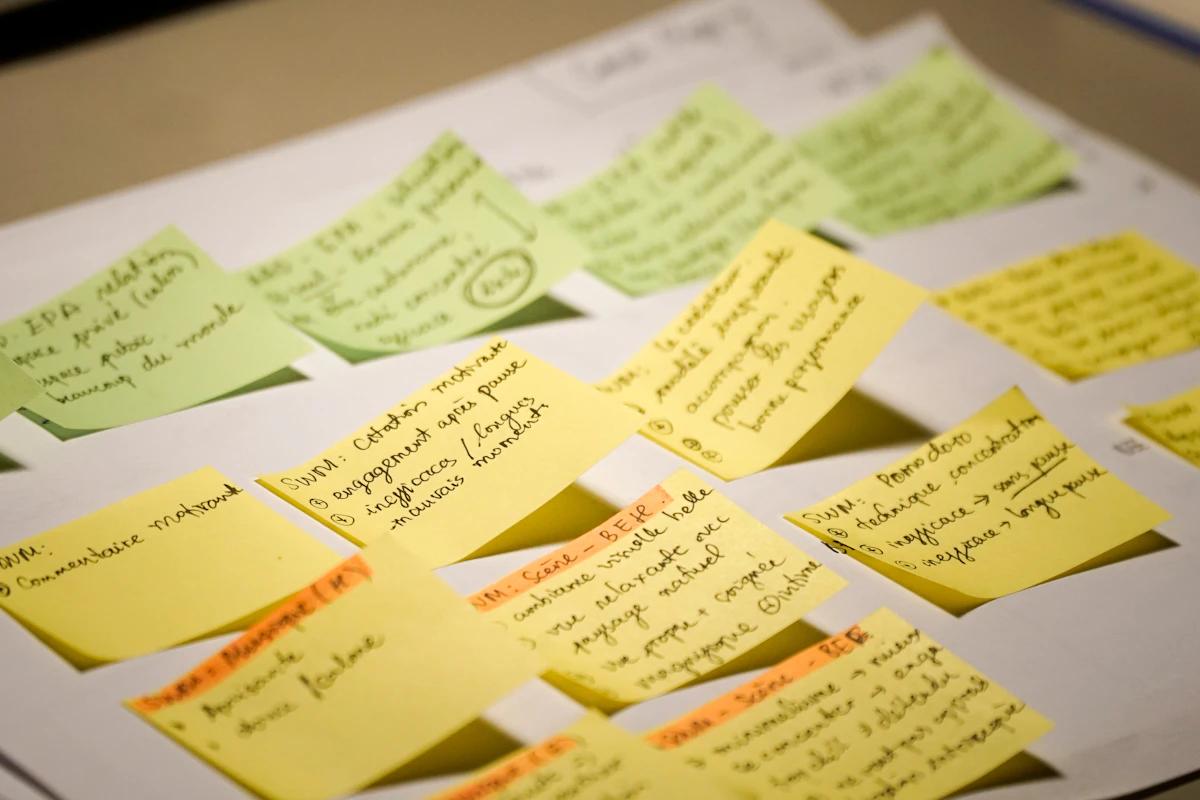
Planning is useful work. The problem isn't enjoying organization; it's using another round of organization when the next action is already clear. This guide helps you tell the difference and interrupt that loop without abandoning the structure you genuinely need.
Recognize when planning has stopped helping
Useful planning changes a decision. You discover a dependency, choose a deadline, reduce the scope, or identify what to do next. Repeated planning may simply restate decisions you've already made in a more attractive format.
Ask what changed after the last session. Do you know something necessary that you didn't know before? Did you remove a risk or clarify a request? Or did the same tasks move between columns while the original uncertainty remained?
There isn't a universal amount of planning that's excessive. Organizing a complex event needs more preparation than replying to a routine message. The test is whether the planning is producing information or coordination that the work actually needs.
A good stopping question is: “Could I take a useful, safe action now?” If the answer is yes, another tool comparison probably isn't the most important next step.
Find the problem the system change is trying to solve
Sometimes changing tools is reasonable. You can't find your notes, the current app loses work, or a required collaboration feature is missing. Those are concrete problems with observable consequences.
Other times, the new system promises a feeling: certainty, motivation, or the sense of being a different kind of person. A new interface may feel encouraging, but it can't guarantee that a difficult task will become comfortable.
Write the problem in one sentence before changing anything. “I need to find meeting notes by client name” is specific. “I need a system that makes me finally get everything together” is too broad to evaluate.
Then ask for the smallest repair. A consistent note title may solve the retrieval problem without migrating your entire archive. A reminder may solve one missed deadline without rebuilding the week. Fixing the actual friction can leave more time for the work you intended to do.
Distinguish planning from preparation and production
Planning decides what and when. Preparation makes the action possible. Production creates the result. You may need all three, but confusing them can make a day feel more complete than it is.
For a presentation, planning might mean choosing the main argument and the deadline for feedback. Preparation might mean collecting the relevant figures. Production means drafting the slides or rehearsing the explanation.
A session spent gathering data may be necessary. A session spent browsing slide templates after the format is already adequate may not be. The category matters less than its connection to the next deliverable.
The Getting Things Done workflow separates clarification and organization from engagement. You don't need the full method to use that distinction: a well-organized list is meant to lead somewhere beyond the list.
Set an exit condition for planning
A time limit alone can help, but an exit condition is more precise. Decide what you need to know before action can begin. Stop when you know it, even if the planning timer has time remaining.
For a writing task, the condition might be a reader, a main point, and three rough sections. For an errand, it might be the address, opening hours, and required documents. For a shared project, it might be an agreed owner and first deliverable.
If the condition isn't met when your planning period ends, name the unresolved question. “Need approval for the budget” is a dependency. “Still want to feel more prepared” may need a smaller first attempt rather than more research.
Research on specific plans for unfinished goals supports the value of concrete plans in reducing some interference from unfinished intentions. It doesn't imply that increasingly detailed plans always help. The point is to create an actionable route, not an exhaustive representation of the future.
Produce something before improving the system
Choose a small artifact: a rough paragraph, an email draft, a list of application requirements, a sketch, or a first calculation. It should belong to the actual work rather than to the organization of the work.
The artifact gives you better information than another abstract planning session. A paragraph reveals whether the argument makes sense. A draft email exposes the question you actually need answered. A sample calculation shows which numbers are missing.
For low-risk work, let the first artifact be imperfect and private. You're testing an approach, not publishing a final result. For high-stakes work, the appropriate artifact may be a question for a qualified person or a checklist of official requirements.
If the first action is still unclear, use how to start a task. Don't force action for its own sake when a genuine missing instruction or safety concern needs resolving first.
A worked example: the proposal that keeps changing apps
Imagine you need to write a proposal. You've made a project board, a notes folder, a research list, and a color-coded schedule. Every time you sit down, you notice something about the setup that could be better.
Write the actual obstacle: “I don't know how to explain the value of the proposal in a concise way”. Moving the task to a different app won't answer that. The next useful action is drafting an explanation.
Set a limited planning condition: identify the reader, their main problem, and the decision you want them to make. Once those three points exist, stop organizing. Open the draft and write an intentionally rough paragraph using them.
During the attempt, you notice that one claim needs evidence. Capture that question beside the paragraph rather than abandoning the draft to research everything. Continue with the parts you can write accurately, leaving a clear placeholder where evidence is needed.
At the end of the session, you have a rough opening and one specific research question. The next plan is shorter because the work has supplied better information. You can now search for the missing evidence rather than compare another general productivity method.
The board may still be imperfect. That isn't the obstacle you've chosen to solve today. If the setup causes a real problem during use, note it and make a targeted repair later.
Give research a question and a stopping rule
Research can be essential, particularly when accuracy matters. It can also become an open-ended activity that feels safer than making a decision. The difference is easier to see when you name the question in advance.
“Find the official application deadline and required documents” is bounded. “Learn everything about applying” isn't. “Compare these two options against my three requirements” gives you a stopping point that “find the best option” lacks.
Choose sources that match the stakes. Official instructions, original research, and qualified guidance matter more than whichever result appears first. Don't stop early just to meet an arbitrary timer if you haven't established necessary facts.
When you've answered the question, record the answer and the source. If you still can't decide, identify what remains uncertain and whether that uncertainty can be reduced. Sometimes the next step is asking a person, not opening another tab.
Keep system ideas in a parking place
You don't need to suppress every idea for improving your workflow. Capture it briefly and return to the task. A later review can decide whether it solves a recurring problem or was simply attractive in the moment.
A useful note might say: “Search is slow because titles are vague; try a naming convention”. That's more actionable than “redo notes”. It also gives you a criterion for deciding whether the change helped.
Set aside a modest maintenance opportunity when needed. Don't schedule system redesign every day by default. Most days should be about using the setup, not evaluating it.
Our weekly review guide offers a place to make these choices. If you notice that reviews themselves keep expanding, reduce them to current commitments, unresolved items, and the next few decisions.
Use a start cue that doesn't require another planning session
A cue can connect a recurring situation to a concrete action. “After the morning meeting, open the draft and write the next section” leaves less to decide than “work on the project when I have time”.
Implementation-intention research studies links between situations and intended actions. For your own planning, make the cue realistic and the action specific enough to recognize.
If the cue arrives and you start reviewing the whole list again, put the chosen action where you'll see it first. You can review the list after the work period or when circumstances genuinely change.
The cue isn't a command to ignore a real problem. If you're ill, a dependency hasn't arrived, or an urgent responsibility intervenes, revise the plan. Flexibility and endless reconsideration aren't the same thing.
Reduce the number of places you need to check
A complex setup can create its own work: deciding where a task belongs, checking whether it's duplicated, and remembering which list contains the current version. Simplify the flow before adding another dashboard.
Choose a place to capture incoming thoughts, a place to select current work, and a place for supporting information. Those can be sections of one notebook or parts of one app. They don't need to be three separate tools.
If a task needs notes, link or keep the notes nearby. Avoid copying the same details into several places unless there's a clear reason. Multiple copies create uncertainty about which one is current.
The guide to organizing notes focuses on making information findable. A system earns its complexity by helping you retrieve and act, not by looking complete in a screenshot.
Don't turn focus into another setup project
You might spend the first half hour choosing music, arranging the desk, setting timers, and blocking websites. Some preparation helps; the question is whether each part is necessary for this session.
Try a minimal starting setup: the relevant material open, one next action visible, and the most obvious distraction out of the way. Add supports when experience shows they solve a problem.
The APA's overview of task-switching research provides a reason to limit unnecessary switching. It doesn't require a perfectly silent room or a universal focus ritual. Different tasks and environments need different arrangements.
If you work in a setting with unavoidable interruptions, plan a restart note and a realistic amount of work rather than chasing ideal conditions. Waiting for a flawless environment can become another way that preparation replaces action.
When planning is protecting you from discomfort
A plan offers control over a future version of the task. Doing exposes you to uncertainty, mistakes, feedback, and the possibility that the work is harder than expected. It's understandable that organization can feel more comfortable.
Try naming the discomfort without turning it into a diagnosis. “I'm worried the draft will be bad” suggests permission for a private rough version. “I'm worried the client will reject the idea” may suggest getting feedback on a smaller proposal earlier.
Make the first exposure proportionate. You don't have to send unfinished work to everyone. You can write a private draft, test a small example, or ask a trusted person a focused question.
If distress or avoidance is persistent and impairing, consider professional support. A planning technique isn't a substitute for addressing a mental health concern. It can be one practical adjustment alongside appropriate help.
Try a one-week system pause
If you're constantly switching tools, try using the current adequate setup for a short, defined period. The purpose is to learn from actual use. It isn't a rule to remain with an unreliable or inaccessible tool.
During the week, record only concrete friction: missed reminders, lost information, repeated searching, or steps that take unnecessary effort. Keep aesthetic preferences separate from problems that prevent work.
At the end, choose one change with a clear benefit. If no significant problem appeared, keep using the setup. If a serious problem did appear, make a deliberate change with a migration plan rather than moving everything impulsively.
The paper-versus-digital planner guide can help compare needs. Neither medium wins automatically. The useful choice is the one that supports your actual capture, retrieval, and follow-through.
A practical planning-to-action checklist
Before starting another planning session, answer these questions:
- What decision does this planning session need to produce?
- What information is necessary to make that decision safely?
- What will tell me that planning is sufficient for now?
- What small piece of the actual work will follow immediately?
- Where will I record ideas for improving the system later?
You can keep the checklist in a note, but don't spend a morning formatting it. A few rough answers are enough. If the next action is already clear, skip the questions and begin it.
Interval is designed to keep tasks and notes close without requiring a large setup. See its features if your current arrangement creates unnecessary work. If your existing tool is adequate, use it for today's action before considering a switch.
How to tell whether the change is working
Look for more contact with the actual work, not less planning at all costs. Did you produce a draft, ask the necessary question, or complete a meaningful step? Did the next session start with less searching?
Some days will need significant planning. A new project, a changed deadline, or a complicated dependency can justify it. The aim is to spend that time deliberately and return to action when the decision is clear.
A meta-analysis of time management supports taking planning seriously as part of a broader approach to work and well-being. It doesn't establish that more planning is always better or that a particular app creates those outcomes.
Review the balance using results you can observe. A prettier task board may be pleasant. A task board that helps you begin the right work is doing its job.
Common questions about overplanning
How much planning time is too much?
There isn't one correct ratio. Planning is excessive when it repeatedly stops producing necessary decisions while displacing available action. Judge the session by what it clarifies, not by whether it exceeds a fashionable time limit.
Should I stop using productivity tools?
Not necessarily. Keep tools that reliably help you capture, remember, and act. Reduce maintenance and duplication. A tool becomes a problem when managing it repeatedly replaces the work it was meant to support.
What if I genuinely need more information?
Name the specific question and find an appropriate source. Necessary research is part of the work. The problem is continuing to gather information without knowing what decision it will change.
Is a rough first attempt always appropriate?
Only when it's safe and suitable. Keep exploratory work separate from final decisions and submissions. For high-stakes tasks, the first action may be verifying instructions or getting qualified advice.
Choose something small that belongs to the result you want. Make that before you improve the place where the task is written.
Sources and further reading
- Getting Things Done: the five-step workflowThe method's own explanation of capture, clarification, organization, review, and action.
- Masicampo & Baumeister: making plans for unfinished goalsExperimental research; PDF of the paper.
- Mechanisms of implementation intention effectsResearch abstract about plans linking situations with actions; not evidence for a specific app.
- American Psychological Association: multitasking and switching costsResearch overview explaining the costs of switching tasks.
- Aeon, Faber & Panaccio: Does time management work?Open-access meta-analysis in PLOS ONE; not a test of Interval or these templates.